Logging in to your group or location page allows you to:
- Update your contact information
- Track sponsorships
- Manage your account
- Access important resources and tools
To Log In
- Go to wreathsacrossamerica.org.
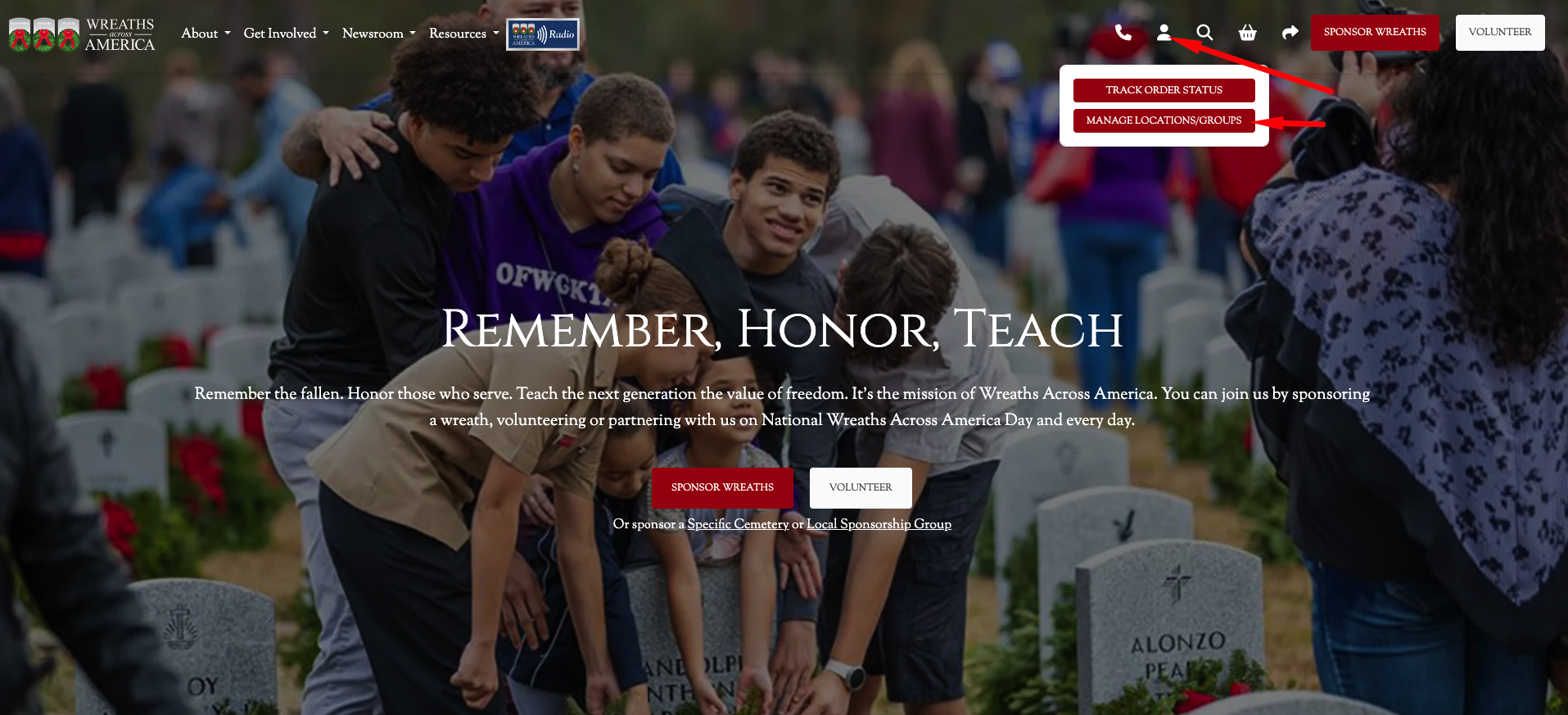
- Click the person icon in the upper-right corner of the page.
- Select Manage Locations/Groups from the dropdown menu.
Or
- Go directly to manage.wreathsacrossamerica.org.
- Enter your username and password to access your group or location page.
Need Help?
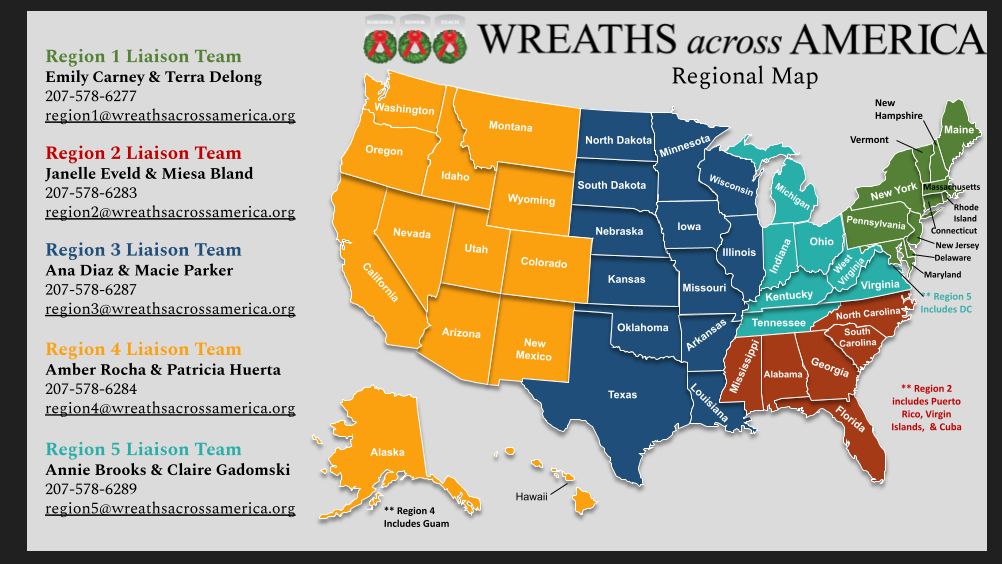
If you do not know your login credentials or are unable to access your account, please contact your Regional Liaison for assistance.
Was this article helpful?
That’s Great!
Thank you for your feedback
Sorry! We couldn't be helpful
Thank you for your feedback
Feedback sent
We appreciate your effort and will try to fix the article